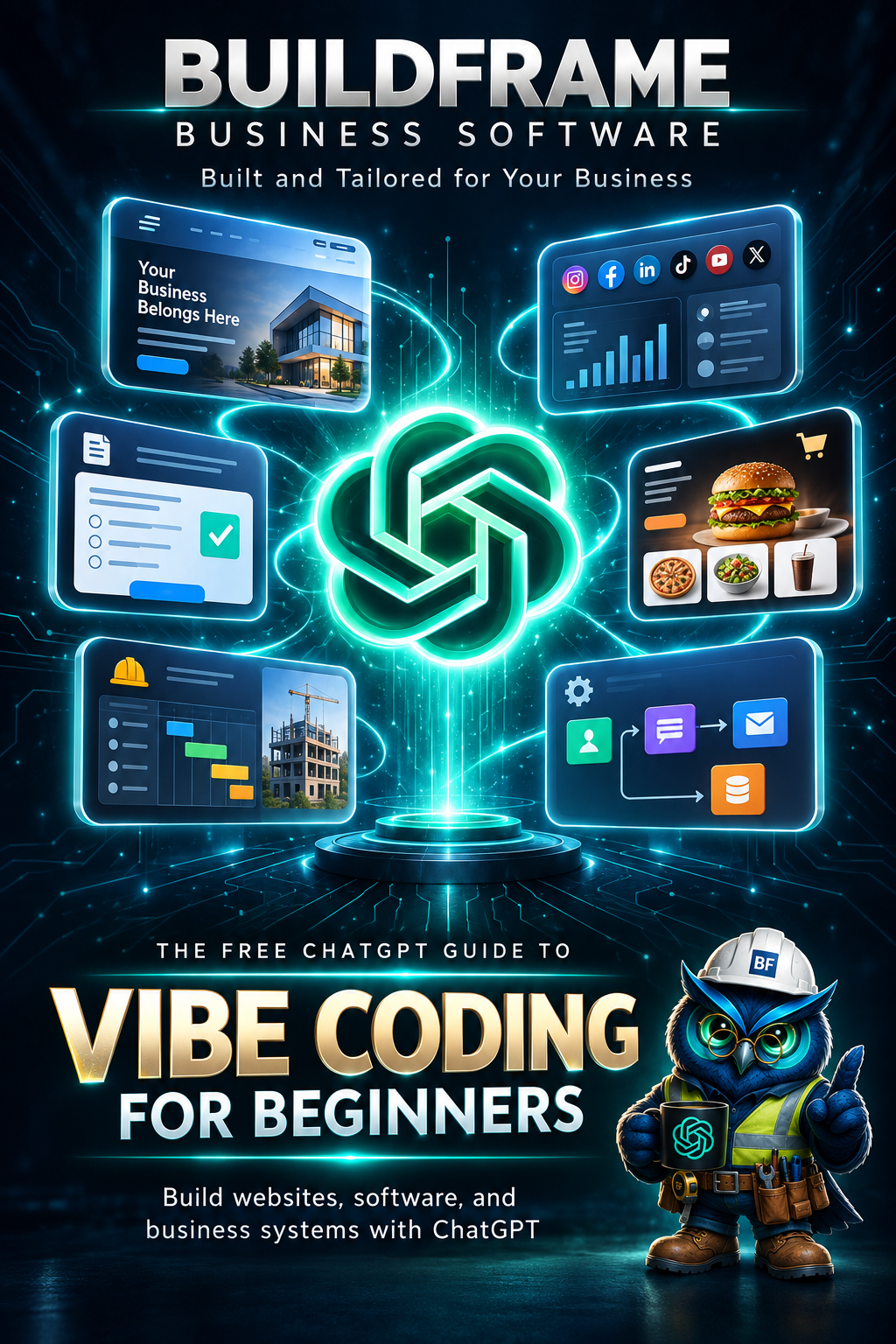
BuildFrame - The Free ChatGPT Guide to Vibe Coding for Beginners
02

START HERE

Welcome to Vibe Coding

What if you could describe what you want to build... and AI could help you build it?

01

A website for your business

02

A page that shows your services

03

A form where customers can contact you

04

A simple booking page

05

A tool that helps organize your work

You do not need to understand all the code before you begin.

You start with an idea.
1

You explain what you want in simple words.

2

ChatGPT helps turn your idea into code.

3

You look at the result and improve it together.

That is the journey this book will show you.

Idea → Conversation → Creation
03

THE SIMPLE IDEA

What Is Vibe Coding?

Vibe coding is a simple way of building something with the help of AI.

Instead of knowing how to write every piece of code yourself, you explain what you want to make.

ChatGPT helps you turn that idea into code.

FOR EXAMPLE

You

“Create a simple website for my small bakery. Put the name of my bakery at the top, show three products, and add a Contact Us button.”

1

You have an idea.

2

You explain it to ChatGPT.

3

ChatGPT helps you build it.

You don't need to know everything before you start.

Start with what you want to make.
04

START WITH SOMETHING SMALL

What Can I Make?

You can start with something simple. It does not need to be a big project.

🌐

A Simple Website

Tell people about your business, service, group, or idea.

🍔

A Menu or Product Page

Show what you sell, including names, photos, and prices.

📅

A Booking Page

Show your services and give customers a simple way to book or inquire.

💬

A Contact Page

Give people an easy way to contact you.

💼

A Business Page

Show your services, photos, prices, and contact details.

Your Own Idea

Have something different in mind? Start by describing it to ChatGPT.

Your first project does not need to be perfect.

Make one small thing work first.

THEN YOU CAN SIMPLY ASK

You

“This is working. Can we make it look better?”

Small projects can grow one step at a time.

Start small. Build. Look. Improve.
05

GETTING READY

What Do I Need?

Good news: you do not need a complicated setup to start vibe coding.

01

ChatGPT

This is where you explain what you want, ask questions, and get help creating or fixing your code.

02

VS Code

This is the place on your computer where we will keep and edit the files for our project.

03

A Web Browser

Chrome, Edge, Firefox, or another browser lets you open your project and see what you made.

ChatGPT helps you build
VS Code holds your project
Browser shows the result

Don't worry if these tools are new to you.

We will use them one step at a time.

That's enough to begin.

ChatGPT + VS Code + Browser = Let's build.
06

TIME TO TRY IT

Let's Build Something!

Enough talking about vibe coding. Let's actually try it.

For our first project, we are going to make a very small website for an imaginary business.

Our pretend business: Sunny Side Café ☕

OUR LITTLE WEBSITE WILL HAVE

✓ The business name
✓ A short welcome message
✓ Three things the café offers
✓ A Contact Us button

That's all.

Small is perfect for our first project.
07

YOUR FIRST INSTRUCTION

Tell ChatGPT What You Want

You do not need special words. Just explain your idea clearly.

TRY SAYING THIS TO CHATGPT

You

“Create a simple one-page website for a small café called Sunny Side Café. Add a welcome message, show coffee, breakfast, and snacks, and add a Contact Us button. Please make it beginner-friendly.”

Notice what happened.

You described the result you wanted. You did not need to write the code yourself.

Clear instructions help ChatGPT understand your idea.

Talk normally. Be specific about what you want.
08

DON'T PANIC 😂

ChatGPT Gives You Some Code

You may suddenly see something that looks a little strange.

Example

<h1>Sunny Side Café</h1>

<p>
    Good food. Good coffee.
    Good morning.
</p>

<button>Contact Us</button>

You do not need to understand every symbol yet.

For now, notice the words: Sunny Side Café and Contact Us.
<h1>

Helps tell the browser that this is an important heading.

<button>

Tells the browser that we want a button.

The strange-looking parts have jobs.

We will learn them naturally as we use them.
09

THREE SIMPLE BUILDING BLOCKS

HTML, CSS & JavaScript

You just saw some code. Before we continue, let's learn what the three common parts of a website actually do.

HTML

What is on the page

HTML gives your page its structure and content.

Headings • Text • Images • Buttons
CSS

How the page looks

CSS controls the design and appearance of your page.

Colors • Spacing • Sizes • Layout
JavaScript

What the page does

JavaScript can make your page react and do things.

Clicks • Actions • Changes • Interactions
🏠

THINK OF A HOUSE

HTML builds the rooms and doors.

CSS decorates them.

JavaScript makes things happen when you use them.

For our first tiny project, we are starting with HTML only.

Later, you can ask ChatGPT to add CSS and JavaScript as your project grows.

You don't need to memorize these words.

Just remember: HTML = what it is. CSS = how it looks. JavaScript = what it does.
09

ONE SMALL FILE

Create Your First File

Now we need somewhere to put the code ChatGPT gave us.

1
Open VS Code

This is where we will keep our project files.

2
Create a new folder

Name it something simple, like:

sunny-side-cafe
3
Create one file inside the folder
index.html

Why is it called index.html?

For now, just think of it as the main page of our little website.
10

PUT IT IN THE FILE

Copy. Paste.

Open your new index.html file. It should be empty.

01

Go back to the code ChatGPT created.

02

Copy the code.

03

Return to VS Code.

04

Paste it inside index.html.

It may look like a lot of strange text.

That's okay. You are not expected to memorize it.

Your idea is now sitting inside a real project file.

That's a bigger step than it looks. 🎉
11

ONE IMPORTANT HABIT

Save Your Work

Before we try to open the website, save the file.

On Windows

Ctrl + S

Saving tells your computer:

“Keep the changes I just made.”

GOOD BEGINNER HABIT

Make a change → Save → Look at the result

You will do this many times while building. It becomes natural very quickly.

Saved?

Good. Now let's see what you made. 😎
12

THE FUN PART

Open It in Your Browser

Now we want to see the page instead of looking at the code.

1
Find your index.html file.

It is inside the project folder you just created.

2
Open it in your web browser.

Your computer may open it in Chrome, Edge, Firefox, or your usual browser.

Sunny Side Café
WELCOME TO

Sunny Side Café ☕

Good food. Good coffee. Good morning.

🎉 WAIT... YOU MADE A WEBSITE!
13

THIS IS WHERE IT GETS FUN

Want to Change Something?

You do not have to accept the first version.

MAYBE YOU DON'T LIKE THE HEADING

You

“Please change the heading to Welcome to Sunny Side Café.”

OR MAYBE YOU WANT ANOTHER SECTION

You

“Please add a section that shows our opening hours.”

OR MAYBE YOU JUST DON'T LIKE IT 😂

You

“I don't like how this looks. Can you make it cleaner and friendlier?”

You can keep talking to ChatGPT while the project grows.

Ask. Look. Change. Repeat.
14

GIVE IT SOME PERSONALITY

Make It Look Better

Once the page works, you can ask ChatGPT to improve how it looks.

🎨

Colors

“Use warm colors that feel like a cozy café.”

✍️

Words

“Make the welcome message sound friendlier.”

🖼️

Pictures

“Add a place where I can put a café photo.”

🔘

Buttons

“Make the Contact Us button easier to see.”

YOU CAN EVEN COMBINE YOUR REQUESTS

You

“Please make the website feel warm and welcoming. Use soft café colors, improve the spacing, and make the Contact Us button stand out.”

You are guiding the design with ordinary words.

You decide the direction.
15

YES, THIS HAPPENS 😂

Oops! Something Went Wrong

Maybe the page looks strange. Maybe a button does nothing. Maybe you see an error.

😅

Don't panic.

Problems are a normal part of building things. You can ask ChatGPT to help you find the problem.

Option 1

Copy the error message and show it to ChatGPT.

Option 2

Send a screenshot and explain what looks wrong.

Option 3

Share the part of the code you are working on.

KEEP YOUR MESSAGE SIMPLE

You

“My Contact Us button is not working. Here is my code. Can you check what is wrong and tell me what to do one step at a time?”

You do not need to know the answer before asking for help.

Show the problem. Explain what you expected. Work through the fix together.

Congratulations.

You are already learning how vibe coding really works.
16

LOOK WHAT YOU JUST DID

You Just Vibe Coded!

Think about what happened. You started with an idea and turned it into something you could actually see in your browser.

💡 You had an idea.
💬 You explained it to ChatGPT.
💻 You put the code into a file.
🌐 You opened your creation.
You asked for improvements.
🛠️ You learned how to ask for help.

You did not need to know everything first.

You learned by building.

That is the important part.

You started.
17

REMEMBER THIS

The Simple Vibe Coding Loop

Most of the time, you will repeat the same simple process.

1
Ask

Explain what you want.

2
Build

Use the code ChatGPT helps you create.

3
Look

Open the project and see what happened.

4
Improve

Tell ChatGPT what you want changed.

Then you simply do it again.

Ask → Build → Look → Improve
18

MAKE YOUR IDEA CLEAR

How to Ask Better

ChatGPT can help more when it understands what you are trying to make.

TOO GENERAL

You

“Make me a website.”

MUCH CLEARER

You

“Create a simple one-page website for my cleaning service. Show three services, a short About section, and a Contact Us button. Make it clean and easy to read.”

A SIMPLE RECIPE

What are you making?

A website, menu, page, form, or something else?

What should it include?

Tell ChatGPT the important parts you want.

How should it feel?

Simple? Friendly? Professional? Colorful?

You don't need a perfect prompt.

Just give ChatGPT enough information to understand your direction.
19

DON'T BUILD EVERYTHING AT ONCE

Build One Step at a Time

When you have a big idea, it can be tempting to ask for everything at once.

“Make a website with products, booking, customer accounts, messages, payments, reports, animations, and everything else!”

😵‍💫

A big idea is fine.

But build it in small pieces.
1

Make the basic page.

2

Check that it works.

3

Add the next thing.

4

Check again.

A USEFUL THING TO SAY

You

“Let's do this one step at a time. Give me only the first step.”

Small steps are easier to understand and fix.

One working piece at a time.
20

A VERY USEFUL BEGINNER HABIT

Keep a Safe Copy

Sometimes you will have a version that works, and then you will want to try a bigger change.

📁
sunny-side-cafe

Your working project

📁
sunny-side-cafe-backup

Your safe copy

Before a big change, make a copy of the project folder.

If something goes badly, you still have the version that worked.

YOU CAN ALSO TELL CHATGPT

You

“Before we make this change, please tell me what files we are going to change.”

A safe copy gives you room to experiment.

Working version first. Experiment second.
21

KEEP PLAYING

Easy Things to Try Next

You made your first little project. What else could you try?

🍰

Small Bakery Website

Show cakes, bread, prices, and contact information.

🔧

Service Business Page

Show what services you offer and how customers can reach you.

🍜

Simple Food Menu

Show meals, descriptions, prices, and photos.

📸

Photo Page

Make a simple page for your favorite photos.

🎉

Event Page

Show the date, place, details, and contact information.

💡

Your Own Idea

Describe something you wish existed and see where the conversation goes.

Choose something you understand or enjoy.

Familiar ideas are great practice.

You don't need the biggest idea.

You just need an idea you want to try.
22

KEEP THIS PAGE HANDY

Beginner Prompt Cheat Sheet

Not sure what to say? Start with one of these.

START

“I am a beginner. Please help me one step at a time.”

CREATE

“Create a simple website for ______.”

ADD

“Please add ______ to my page.”

CHANGE

“Please change ______ to ______.”

DESIGN

“Can you make this look cleaner and easier to read?”

EXPLAIN

“Please explain this in simple words.”

FIX

“This is not working. Can you help me find the problem?”

NEXT

“That worked. What should I do next?”

You are allowed to ask simple questions.

You are also allowed to ask the same thing in a different way.
23

BEFORE YOU KEEP BUILDING

Your Simple Vibe Coding Checklist

You do not need to remember everything in this book.

Know what you want to make.

A rough idea is enough.

Explain it in simple words.

Tell ChatGPT what you want to see.

Build one piece at a time.

Small steps are easier to manage.

Save your work.

Make saving a habit.

Look at the result.

Check what changed.

Keep a safe copy.

Especially before a big change.

Ask when something is unclear.

You do not need to guess.

And most importantly...

Keep trying.
24

YOUR NEXT STEP

Where Do You Go From Here?

You don't have to become an expert today.

01
Build another small project.

Practice the same simple process again.

02
Try something new.

Add a photo, another section, or a different design.

03
Ask questions as you go.

Learn the words and ideas when you actually need them.

04
Let your projects grow with you.

Small projects today can lead to bigger ideas later.

You don't need to know the whole road.

You only need to know your next small step.

Remember where you started:

“I have an idea.”
25

ONE LAST THING

💡

Build Your Idea.

You do not need to wait until you know everything.

Start with something small.

Explain what you want.

Build one piece.

Look at what happened.

Improve it.

Idea → Conversation → Creation

Your first project does not need to be perfect.

It just needs to begin.
BuildFrame The Free ChatGPT Guide to Vibe Coding for Beginners